
How to change your social URLs
💅 Things change, we get it
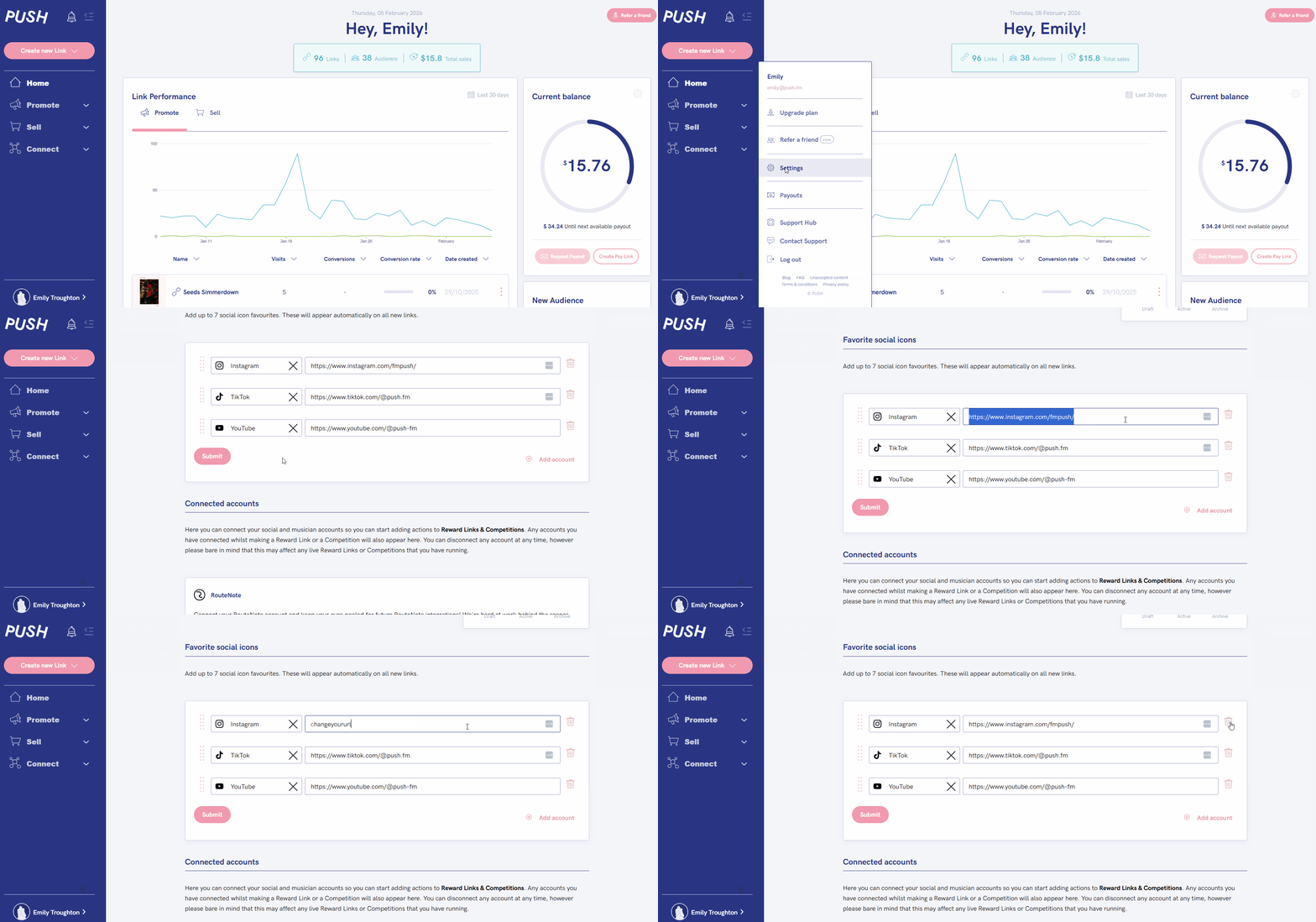
- Head to your Settings
- Choose Edit profile
- Scroll down until you find your social URLs
- Either delete using the bin/trash icon, or, edit the URL
- Click save
See also:
How to add socials to your Favourites
How to add social icons to your links
How to position your socials within your links